
Customer PortalClients stay informed without calling
When the offer is accepted, the client automatically receives a project page showing progress, dates, estimated completion, and a contact person. No login or account required.
The page always shows the latest status as staff clock in, complete tasks, and you update the schedule. If they have a question, they send a message from the page and you receive a notification.
What you get
- Fewer calls and messages asking for status updates
- Progress updates automatically as tasks are completed
- Messages sent directly from the page that you can reply to in Rektor
- Extra work approved on the same page, just like the offer
How it works
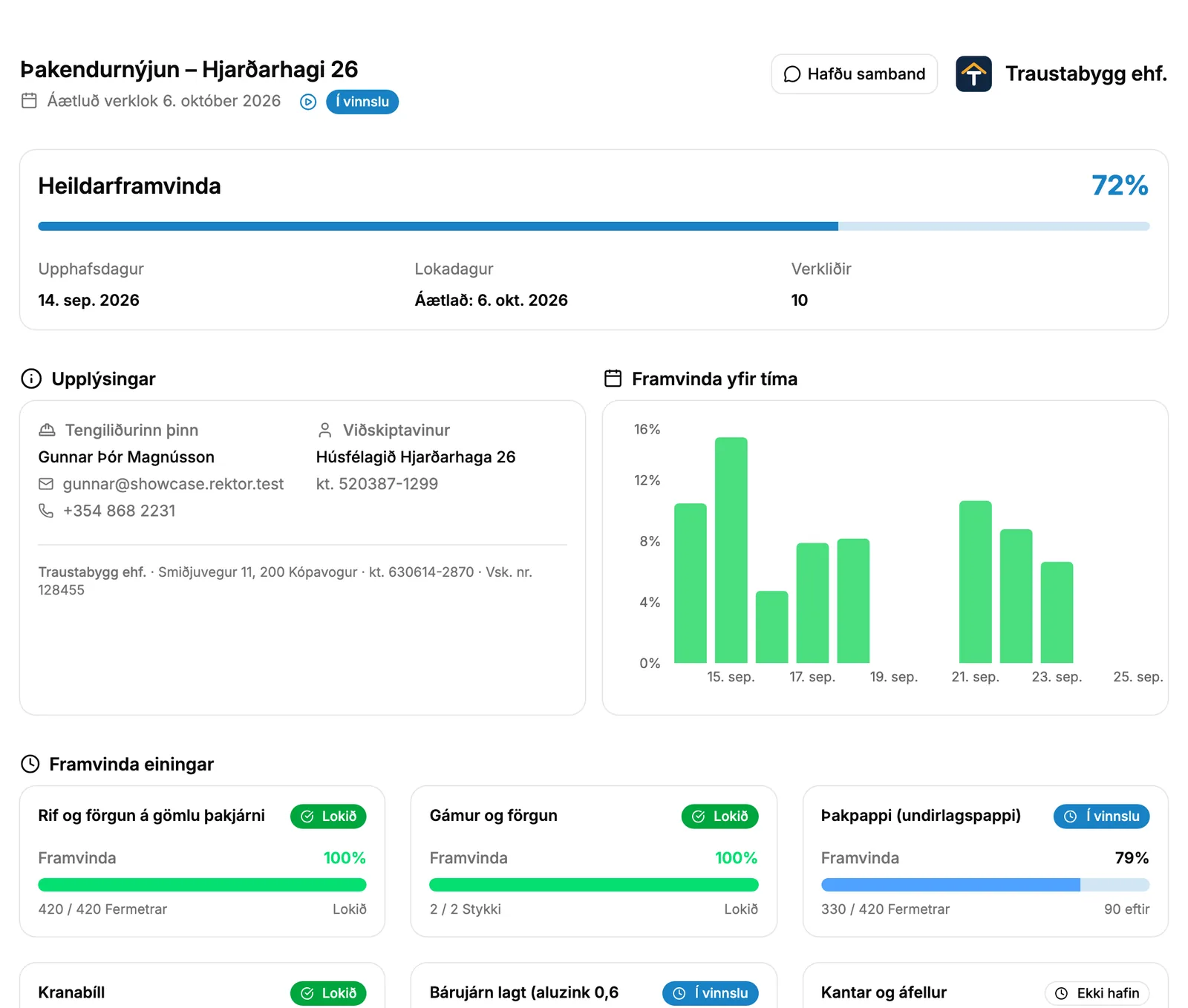
The project's progress page
When the offer is accepted, the offer page turns into a progress page. The client uses the same link as before, without logging in.
- Overall ProgressPercentage of work completed, with a progress bar.
- Estimated CompletionEstimated project completion date at the top of the page.
- Progress Over TimeA graph for the last 30 days showing daily work completed and cumulative progress.
You control what is seen
The client sees the overall progress. For projects measured in units, you choose whether they also see the progress of each unit. Costs and internal team notes are never shown on the page.
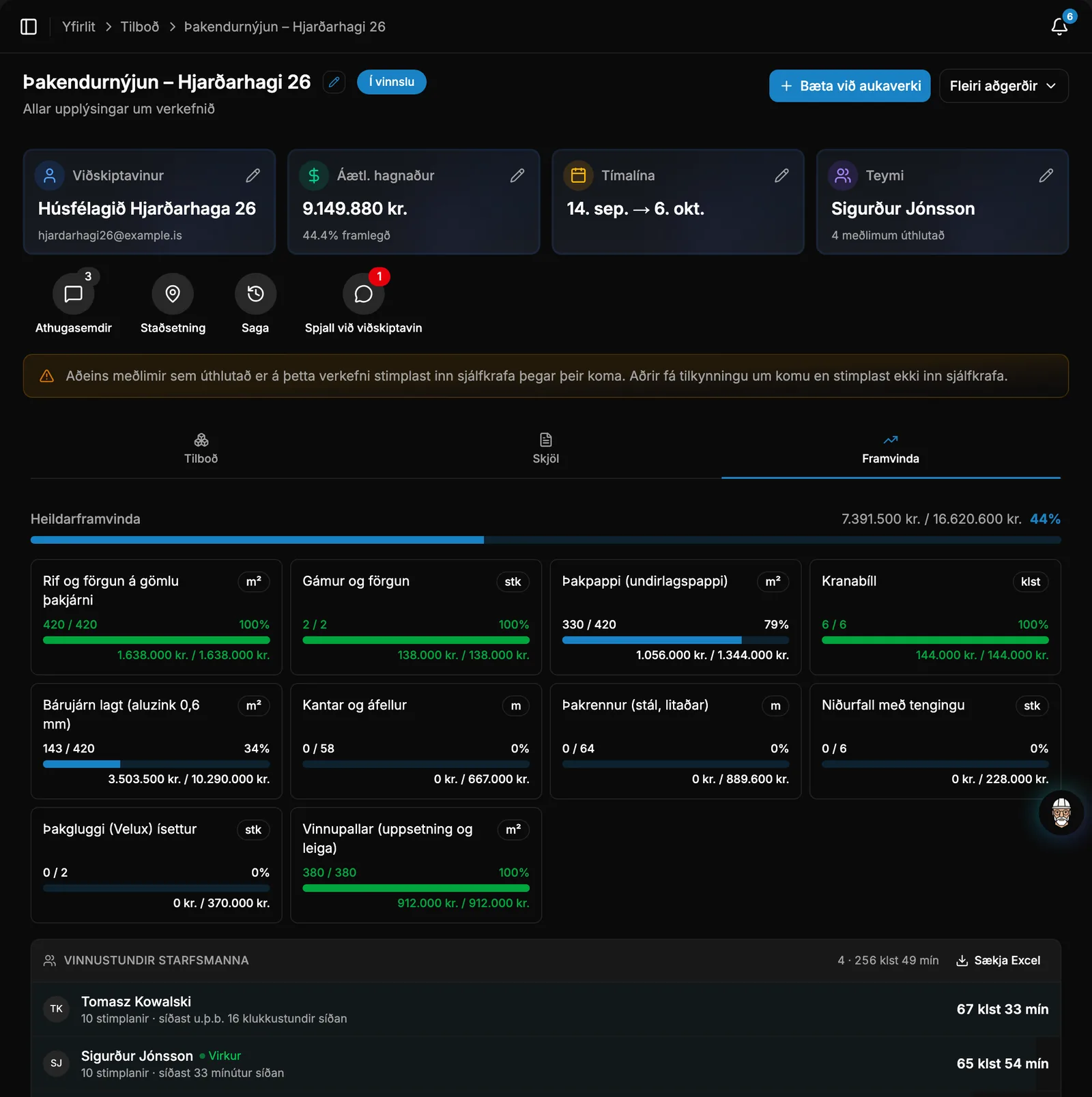
Progress comes directly from the work itself
No one needs to update the page manually. It is based on what staff logs in the app.
- Staff check off tasks in the app, while clocked in, at clock-out, or afterward.
- When all tasks are completed, Rektor marks the project as completed and the client sees 100%.
Dates you can count on
When the schedule changes, the new dates appear on the page, and you choose whether the client also receives an email.
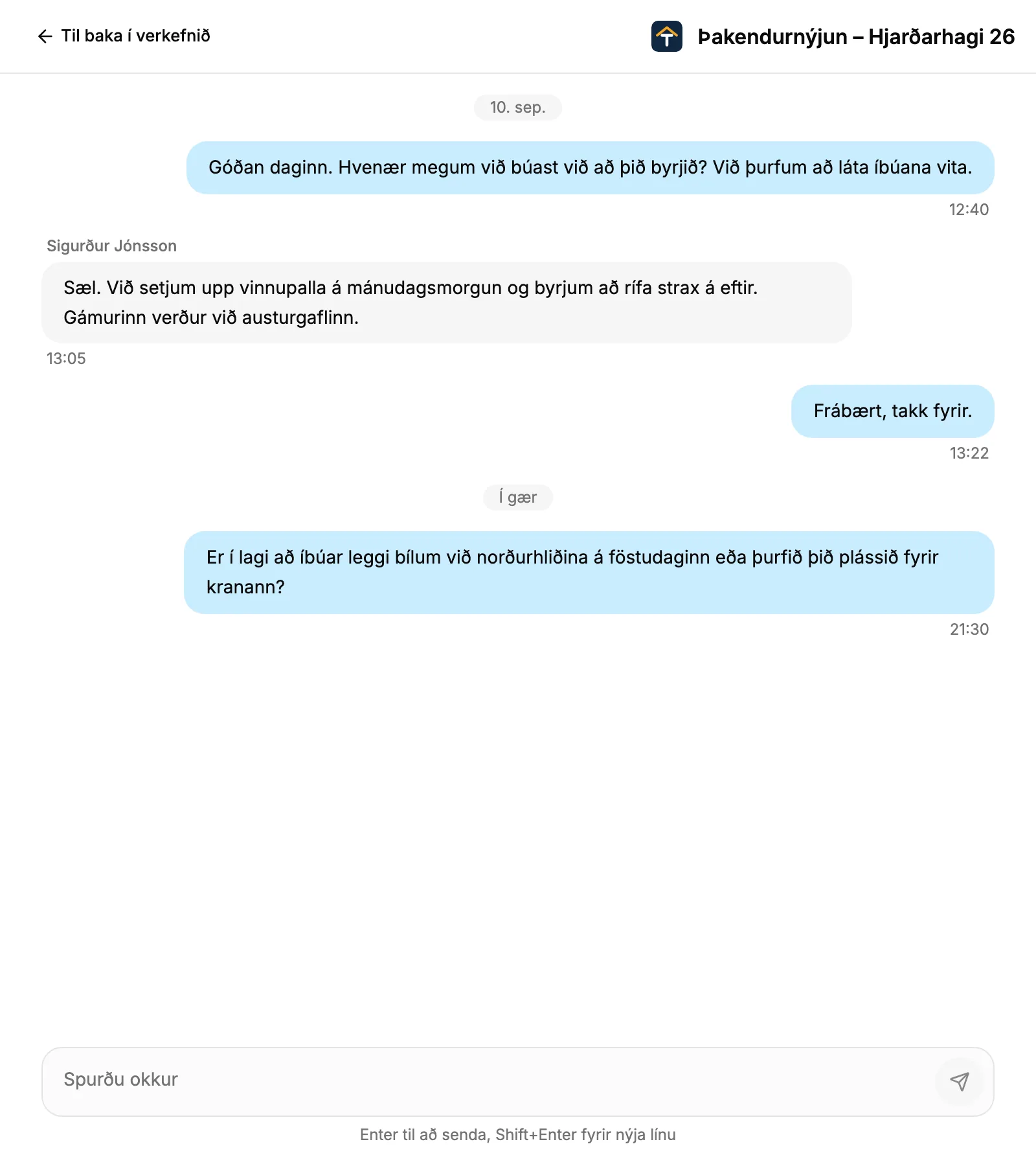
Messages instead of phone calls
With a single button on the page, the customer can open a message thread with you, linked to the project.
- The client's message is sent to whoever sent the offer, both in the system and by email.
Extra Work on the same page
When you request approval for Extra Work, proposed changes appear on the page. The customer accepts or declines each line, or approves everything at once.
Take control of your operations
Try Rektor free and see your real profit on every project.
14 days free · No credit card required · For contractors with 1–50 employees