
Time ClockNo more forgotten clock-ins
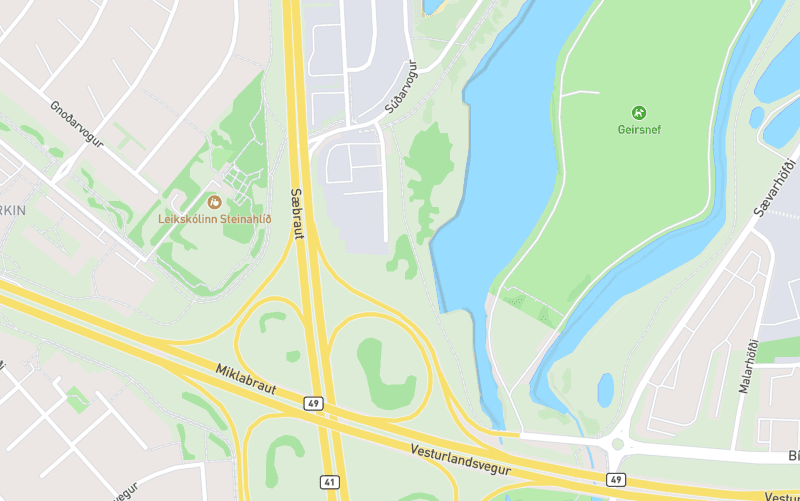
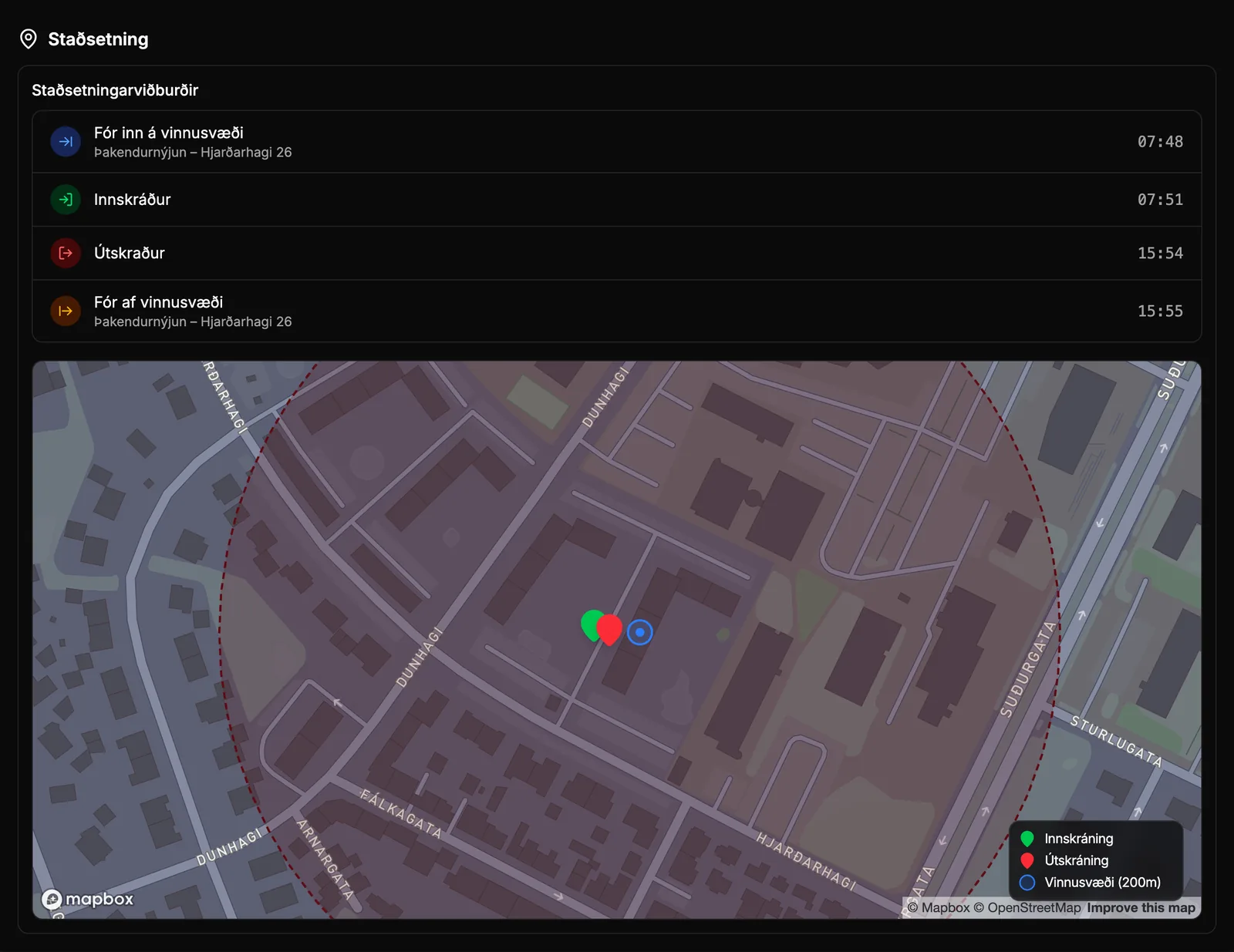
A forgotten clock-in costs money, and nobody wants to chase down employee hours after the fact. Rektor sets a 200-meter geofence around every project and reminds staff to clock in and out. If you prefer, Rektor can also clock them in automatically upon arrival.
What you get
- Reminder to clock in upon arrival at the project location
- Notification at clock-out if an employee was outside the geofence longer than you allow
- No location history is tracked—only the location at clock-in and clock-out, and when an employee arrived at and left the project location
- Overtime is calculated automatically from each employee's work schedule
How it works
Four clock-in modes
Staff either clock in and out of each project, clock in once a day and split the day across projects at clock-out, or log their hours afterwards. You choose what suits the organization and whether staff can edit their own hours.
Geofence around each project location
Rektor automatically sets a 200-meter radius around each approved or active Project with a geocoded address. You don't have to draw anything, just pick the address from search.
- Arrival NotificationWhen a worker arrives on site, they receive “You are at the project location. Clock In?” and the Project is already selected when they open the app from the notification.
- Departure ReminderWhen leaving the site, they receive “You have left the project location. Clock Out?” so a forgotten clock-out is caught right away.
- Time on the wrong projectIf staff leaves one project location and clocks out at another of the organization's project locations, you'll be notified so you can move the time to the right project.
- Rektor does not record employee location history. Only coordinates at clock-in and clock-out are saved, along with the time the employee entered and left the project location.
- Don't want a geofence? Turn off project location detection and the app will never ask for background location.
Automatic clock-in on arrival
An optional setting that clocks staff in as soon as they enter the geofence, instead of asking first. It is disabled until you turn it on.
- You choose whether everyone who arrives at the project location is clocked in or only those assigned to the project.
- A session that started automatically also ends automatically when the employee leaves the area.
Overtime calculated automatically
Overtime is calculated at Clock-out based on each employee's work schedule, so nobody has to tally it up at the end of the month.
- Each employee can have their own work schedule.
- Work on weekends and Icelandic public holidays counts as overtime.
Manager corrections
All sessions appear in real time in the web dashboard, by day, week, or month. You can adjust sessions, add new ones, and delete them, with changes updating reports and payroll immediately.
- Did someone forget to clock in? Log the hours for them.
- On each Session, you see the location on a map, photos, and a complete edit history.
Take control of your operations
Try Rektor free and see your real profit on every project.
14 days free · No credit card required · For contractors with 1–50 employees